
TRAFFICSAVIOUR KNOWLEDGE SERIES
Why Cloaker Gets Banned in 2026: The 10 Infrastructure Mistakes That Kill Accounts
That's what I burned in one week last year. Cloaker was running. Safe page was live. Everything looked fine. Banned on day 6.
I spent three days blaming Meta. Posted on forums. Convinced myself their review system was broken.
It wasn't broken. My setup was.
Here's what I found — and how to fix it before it costs you.
If you're comparing the best cloaker for Google Ads or looking for the best cloaker for FB ads, the mistake is assuming the tool alone will protect the account. A solid safe page checklist, consistent fingerprinting, and clean infrastructure matter just as much as the cloaker itself.
At TrafficSaviour, we see this pattern constantly: a campaign looks fine on the surface, but small signals like DNS leaks, redirect chains, or mismatched headers create the exact pattern review systems are trained to flag.
What Actually Changed in 2026
Old thinking: platform sends a bot → cloaker blocks it → you're safe.
That's dead now.
Meta removed 159 million ads in 2025. Their review traffic now comes from real residential IPs — same as your actual customers. You literally cannot tell the difference by IP alone anymore.
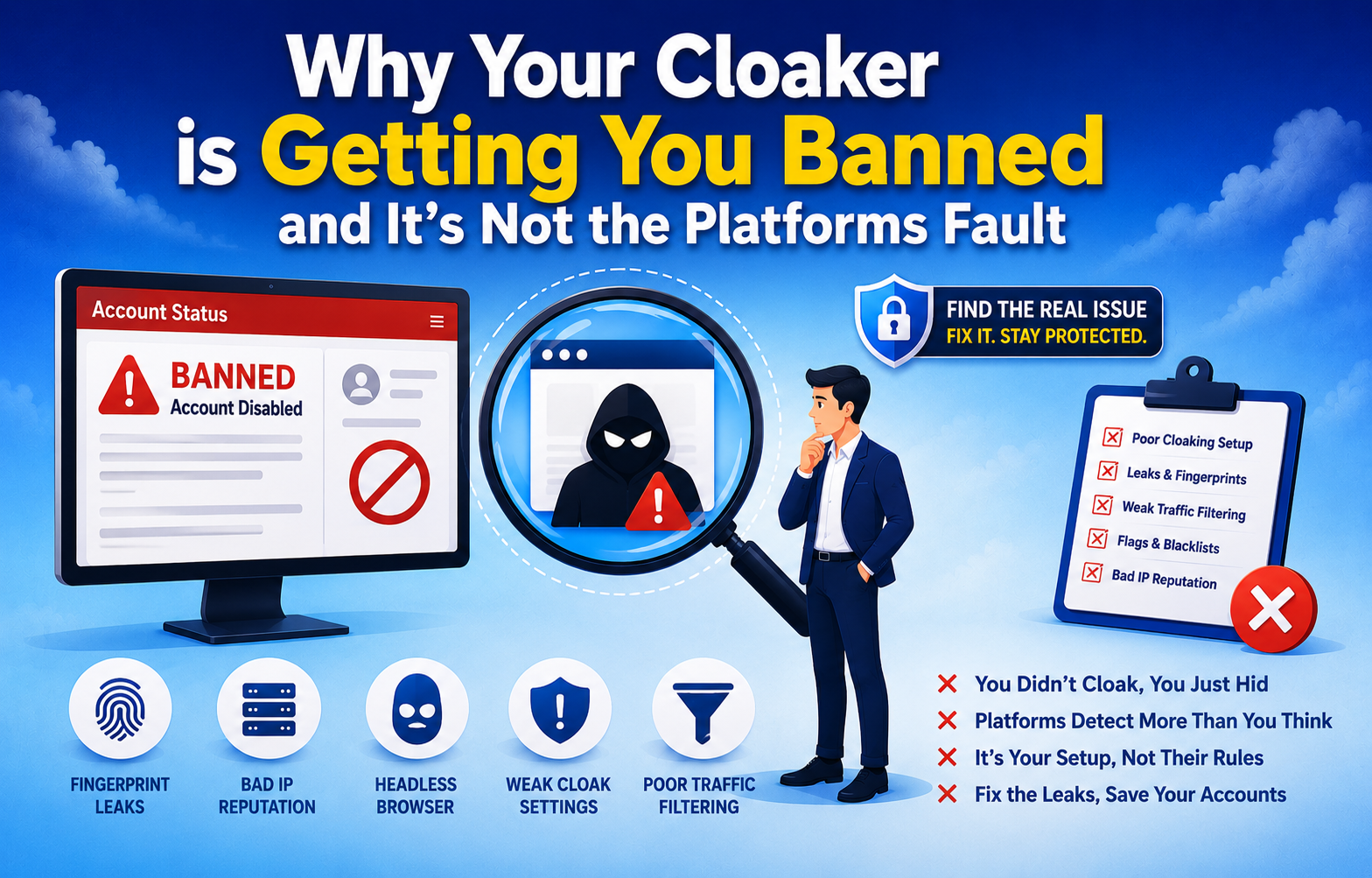
The platform isn't looking for your cloaker. It's looking for the fingerprints your cloaker leaves behind. DNS leak, inconsistent headers, JS execution pattern — that's what got flagged.
That one shift changes everything about how you debug problems.
The 10 Real Reasons You're Getting Caught
1. Your DNS Is Leaking Your Real Server
Think of DNS like a phonebook. If someone looks up your domain and finds your real server hiding behind it — game over.
Most affiliates never check this. Their staging site, test subdomain, origin server — all visible in DNS records.
Fix: Turn on Cloudflare proxy for every domain and subdomain. Delete any subdomains you're not actively using.
2. Your Fingerprint Is Telling Two Different Stories
Imagine your ad reviewer lands on your page. Their system checks:
- → Where is this IP located? New York
- → What timezone is the browser showing? São Paulo
- → What language is set? Spanish
That mismatch? Instant red flag.
3. Too Many Redirects
Every redirect you add = one more breadcrumb leading back to you. Three redirects between the ad click and your landing page creates three sets of headers, three timing signatures, three data points for their system to analyse.
4. Your Safe Page and Money Page Look Too Different
Not just content — structure. If the safe page has different script tags, different image paths, different meta descriptions than your money page — automated comparison tools catch it immediately.
If you're following a safe page checklist, keep the safe page and money page structurally aligned so reviewers don't see a mismatch that looks suspicious.
Fix: Same HTML skeleton for both pages. Same scripts loading in same order. Personalisation happens inside the structure — not by building two completely different pages.
5. JavaScript Is Giving You Away
If your cloaker uses JavaScript to decide who sees what — modern crawlers can read that logic now. They literally execute your JavaScript and see what it's doing.
Any conditional code that checks "is this a bot or real user" before showing content = detectable.
6. You're Still Using IP-Only Filtering
IP blocking alone stopped working years ago. Reviewers now use residential IPs — same providers real users use. IP blacklists that were accurate 6 months ago have huge gaps today.
IP filtering = your first filter. Not your only filter. Fingerprinting, behaviour analysis, header inspection — all need to be layered on top.
7. Your Bot Detection Is Outdated
2026 review bots don't look like bots. They load pages slowly. They scroll. They pause. They behave exactly like a real person reading your page.
8. Your CDN Is Leaking Your Origin Server
CDN is supposed to hide where your server really is. Misconfigured — it does the opposite.
- → Origin server IP visible in response headers
- → Cached redirects that don't update when you change routing
- → Different responses from different CDN locations
9. Your Hosting Neighbours Are Getting You Flagged
Shared hosting means shared IP reputation. If any other site on your server has been flagged — that reputation touches you too.
You don't have to do anything wrong. Their mess becomes your problem.
Fix: Dedicated hosting for campaign-critical pages. Separate hosting for safe page and money page. Different providers if possible.
10. You Can't See What's Happening
No logs = no visibility = no debugging. Most bans don't happen on day one. They happen on day 8 when Meta re-crawls your page and something in your setup has changed.
Without logs, you'll never know what changed or when.
Why One Problem Alone Won't Kill You — But Six Will
This is the part that matters most.
| Infrastructure | Result |
|---|---|
| Small DNS issue alone | ✓ Probably fine |
| One extra redirect | ✓ Probably fine |
| Minor header inconsistency | ✓ Probably fine |
Each signal individually scores low. Together, they create a pattern that review systems are specifically built to catch.
This is why switching cloakers doesn't fix the problem. The cloaker is working fine. The infrastructure around it is broken. New cloaker, same broken infrastructure = same ban.
Run This Before Every Campaign Goes Live
5 minutes. Do it every time. No exceptions.
Infrastructure
- ✓ DNSleaktest.com → Extended Test → zero origin server IPs visible
- ✓ SSL valid on every URL in the chain including subdomains
- ✓ CDN proxy enabled — origin server IP must not appear in response headers
- ✓ Dedicated hosting — not shared with other projects
Fingerprint Consistency
- ✓ browserleaks.com → every signal shows same location story
- ✓ iphey.com → Trust Score above 80
- ✓ Timezone + language + IP location + DNS resolver all match
Traffic Flow
- ✓ Maximum 2 redirect hops from ad click to landing page
- ✓ Response headers consistent across every hop
- ✓ Safe page HTML structure identical regardless of traffic source
- ✓ Zero conditional JavaScript on safe page
Monitoring
- ✓ Server-side logging enabled and capturing all routing decisions
- ✓ 48-hour log review reminder set in calendar
- ✓ Cloaking protection active for full campaign lifetime — not just initial review
The Three Myths Keeping You Broke
| ✗ MYTH "The platform detected my cloaker" | ✓ REALITY It detected the fingerprints your cloaker left behind. DNS leak, inconsistent headers, JS execution pattern — that's what got flagged. Fix the infrastructure, not the tool. |
| ✗ MYTH "Expensive tool = safe" | ✓ REALITY A $500/month cloaker with a DNS leak loses to a $50/month cloaker with clean infrastructure. Software quality matters less than configuration quality. |
| ✗ MYTH "More redirect layers = more protection" | ✓ REALITY Opposite. Every layer is one more signal. Two clean server-side hops beat five layered redirects every time. |
Bottom Line
The affiliates running stable campaigns for months without bans all share one habit — they treat infrastructure as seriously as creative. The cloaker is one piece. DNS, hosting, fingerprint consistency, CDN, logging — these decide whether you're still live in 30 days.
Run the 5-minute checklist above before your next campaign. It's cheaper than rebuilding after a ban.
Learned most of this the expensive way. Running paid traffic long enough to have made every mistake on this list at least once.
 Support
GitHub
Support
GitHub