
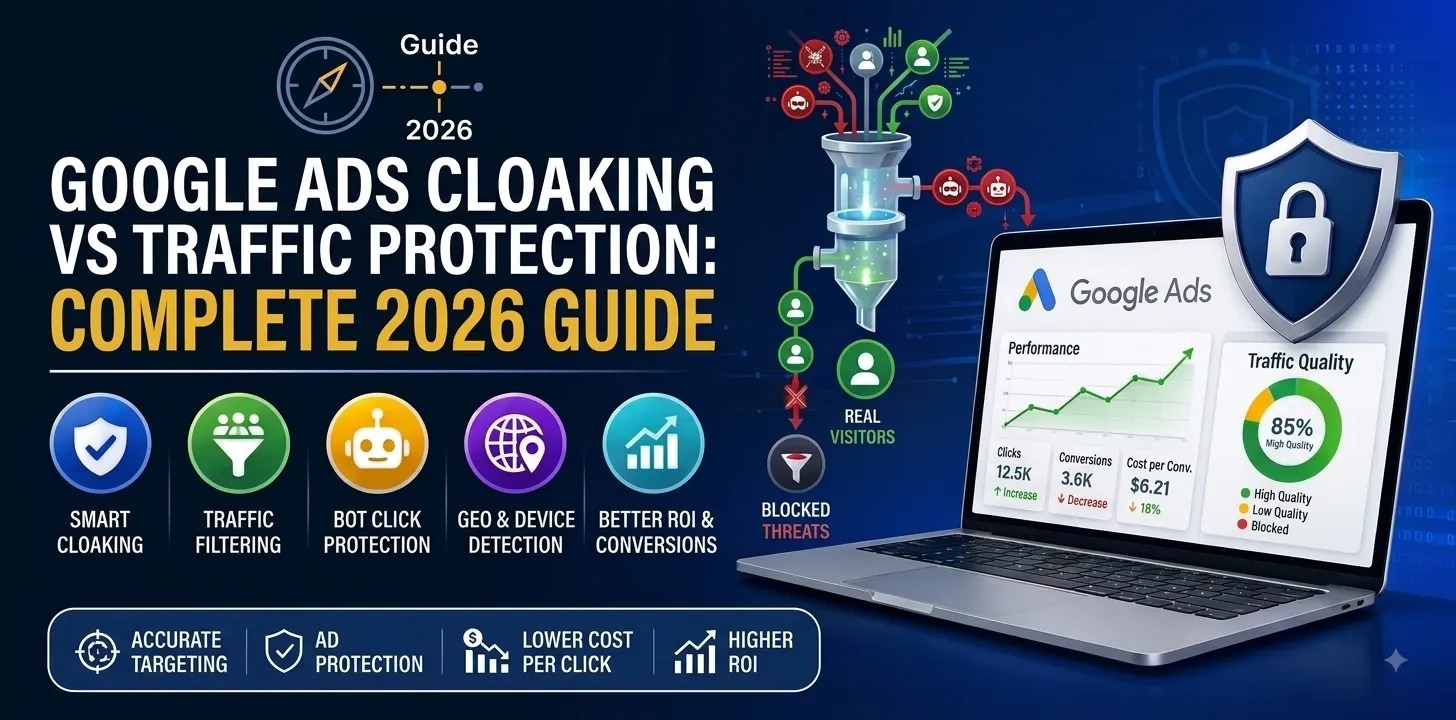
Sometimes, websites may have varying experiences depending on certain factors like location, devices, or language. Nevertheless, Google Ads cloaking will become a policy issue when a website presents a different version of a page to Google ad review systems but gives another experience to the user, especially hiding any policy-violating content. This will be covered under Google's policy known as 'Circumventing Systems', and this will lead to account suspension without prior warning.
A safer way is to use invalid traffic detection, where you retain the same offer for all people and use bot detection, IP address detection, and traffic filtering.
Framework: Recognise → Review → Respond
- Recognise — spot content or destination differences between what ad systems see and what users see.
- Review — check landing pages, redirects, devices, and locations for unexplained inconsistencies.
- Respond — remove deceptive behaviour; use transparent, compliant ads traffic quality tools instead.
What Is Google Ads Cloaking?
Google Ads cloaking happens when a website serves different content, or redirects to a different destination, depending on whether the visitor is Google's ad-review crawler or a real user — with the purpose of concealing a policy violation.
This is different from ordinary personalization. Google explicitly treats the following as acceptable variation, as long as the core promoted product or service stays the same:
| Legitimate Variation | Example |
|---|---|
| Language localization | English page for US traffic, Hindi for India |
| Geographic pricing | ₹999 for India, $19 for US |
| Device-specific layout | Mobile-first design vs desktop grid |
| Connection-based speed optimization | Lighter page for slow networks |
| Standard click tracking | UTM parameters, redirect-based analytics |
The line Google draws: the advertised product or service must stay identical for both the reviewer and the user. Changing the offer itself — not just its presentation — is what triggers a policy violation.
Why Google Ads Cloaking Matters for Advertisers
1. Account Compliance Risk
According to Google, serious Circumventing Systems violations can result in suspension without prior warning — there is often no appeal window before the account goes down.
2. User Trust
An ad promising one experience that delivers something materially different damages trust in both the advertiser and the platform — this shows up later as lower CTR and higher bounce rates.
3. Data Reliability
By covering up the issues of your poor campaign performance, you spoil the integrity of your campaign statistics. It becomes much harder to know whether your bad conversion rate came from targeting, creative, landing page quality, or invalid traffic.
Key Metrics to Monitor (Not Just "% of Cloaked Traffic")
There's no single number that proves cloaking. Google's invalid-traffic systems evaluate many signals continuously, and automated reviews typically reassess the trailing 60 days of traffic data.
Track these together, not in isolation:
- Invalid click rate
- Click-through rate (CTR)
- Conversion rate by traffic source
- Cost per conversion
- Bounce / engagement rate
- Session duration
- Geographic distribution vs target geos
- Device and browser distribution
- Redirect behavior and destination consistency
Important nuance: multiple clicks from one IP are not automatic proof of invalid traffic — shared networks, office Wi-Fi, and CGNAT/rotating IPs all produce legitimate repeat activity from a single address. Don't build filtering rules around IP repetition alone.
How to Detect Cloaking on Your Own Site: 5-Step Audit
Step 1: Compare Landing Page Experiences
Check whether the reviewer-facing and user-facing pages match on: headline, product/service, pricing, main offer, CTA, destination URL, and key claims.
Step 2: Audit Redirect Behavior
Not every redirect is cloaking. Tracking redirects, geo-routing, and mobile optimization are all legitimate. The real question: is the redirect hiding a materially different or policy-violating destination?
Step 3: Check Geographic Variations
Currency and offer-format differences (INR vs USD pricing) are fine. A different, non-compliant product shown only to certain geos is the pattern Google's policy actually targets.
Step 4: Test Device Differences
Responsive design differences are normal. Flag it only if the advertised offer itself changes between desktop and mobile — not just the layout.
Step 5: Monitor Traffic Quality Signals
You lose the ability to tell whether a low conversion rate is a targeting problem, a landing page problem, or a traffic-quality problem.
Traffic Protection vs. Cloaking: Side-by-Side
| Traffic Protection | Deceptive Cloaking | |
|---|---|---|
| Goal | Identify and filter unwanted/suspicious traffic | Hide a policy violation from ad reviewers |
| What changes for the user | Nothing — same offer, same page | The actual product or destination |
| What changes for the reviewer | Nothing — same offer, same page | A compliant, different version |
| Google's stance | Permitted, often recommended | Explicitly prohibited |
| Typical tools | Bot detection, IP reputation, rate limiting, behavioral analysis | Cloaked scripts, reviewer-detection redirects |
Building a Compliant Traffic-Protection Workflow
- Detect — flag suspicious traffic using multiple combined signals, never a single IP or browser attribute.
- Respond — remove deceptive behavior; use transparent, compliant traffic-quality tools instead.
- Protect — keep the same offer visible to users and reviewers while filtering invalid clicks.
- Optimize — make decisions based on genuine conversion quality, not raw click volume.
Common Mistakes to Avoid
- Blocking every VPN user — VPN use alone isn't a malicious-traffic signal.
- Blocking every shared IP — legitimate users routinely share IPs (offices, campuses, CGNAT).
- Showing a different offer to reviewers than to users — this is the exact definition of prohibited cloaking.
- Opening a new account after a suspension — explicitly prohibited as circumvention.
- Ignoring site security — a compromised site can inject unexpected redirects that look like cloaking even when unintentional; check for malware/script injection first.
Platform Consistency: Google, Meta, TikTok
Running paid campaigns across multiple platforms means applying one compliance principle everywhere: same offer for reviewers and users, with transparent landing pages and legitimate traffic filtering.
Same offer → transparent landing page → legitimate traffic filtering → measurable traffic quality
TikTok's policies similarly prohibit deceptive or misleading behaviour and use both automated and human review. Building your compliance process around the strictest platform's rules keeps every campaign safe by default.
Frequently Asked Questions
1. What is Google Ads cloaking?
Google Ads cloaking is when you show different content or landing pages to Google’s ad review system than to your actual users, usually in order to mask a violation of its policies. This practice violates Google's Circumventing Systems policy.
2. Is cloaking the same as traffic protection?
No, cloaking masks policy violations by showing something else to reviewers, whereas traffic protection filters out suspicious or automated users but still shows the same offer to everyone, including reviewers.
3. Does using a VPN or shared IP count as cloaking?
No. VPN use and shared IPs are common legitimate behavior. Google itself notes that repeated activity from one IP doesn't automatically indicate invalid traffic.
4. What's the safest way to protect ad spend without violating policy?
Keep the advertised product and landing page identical for all visitors, and layer in legitimate traffic-quality tools — bot detection, IP/network analysis, and behavioral filtering — on top, without altering the offer itself.
5.Can Google shut down your account unexpectedly for cloaking?
Yes. Google says that some cases of severe circumventing systems violations can cause suspension without any previous warning.
6. How can TrafficSaviour help with traffic protection?
TrafficSaviour provides traffic-quality features such as AI traffic analysis, bot detection, VPN detection, device fingerprinting, geotargeting, real-time traffic filtering, and campaign analytics to help advertisers identify suspicious traffic and protect paid campaigns.
 Support
GitHub
Support
GitHub